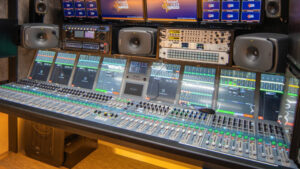



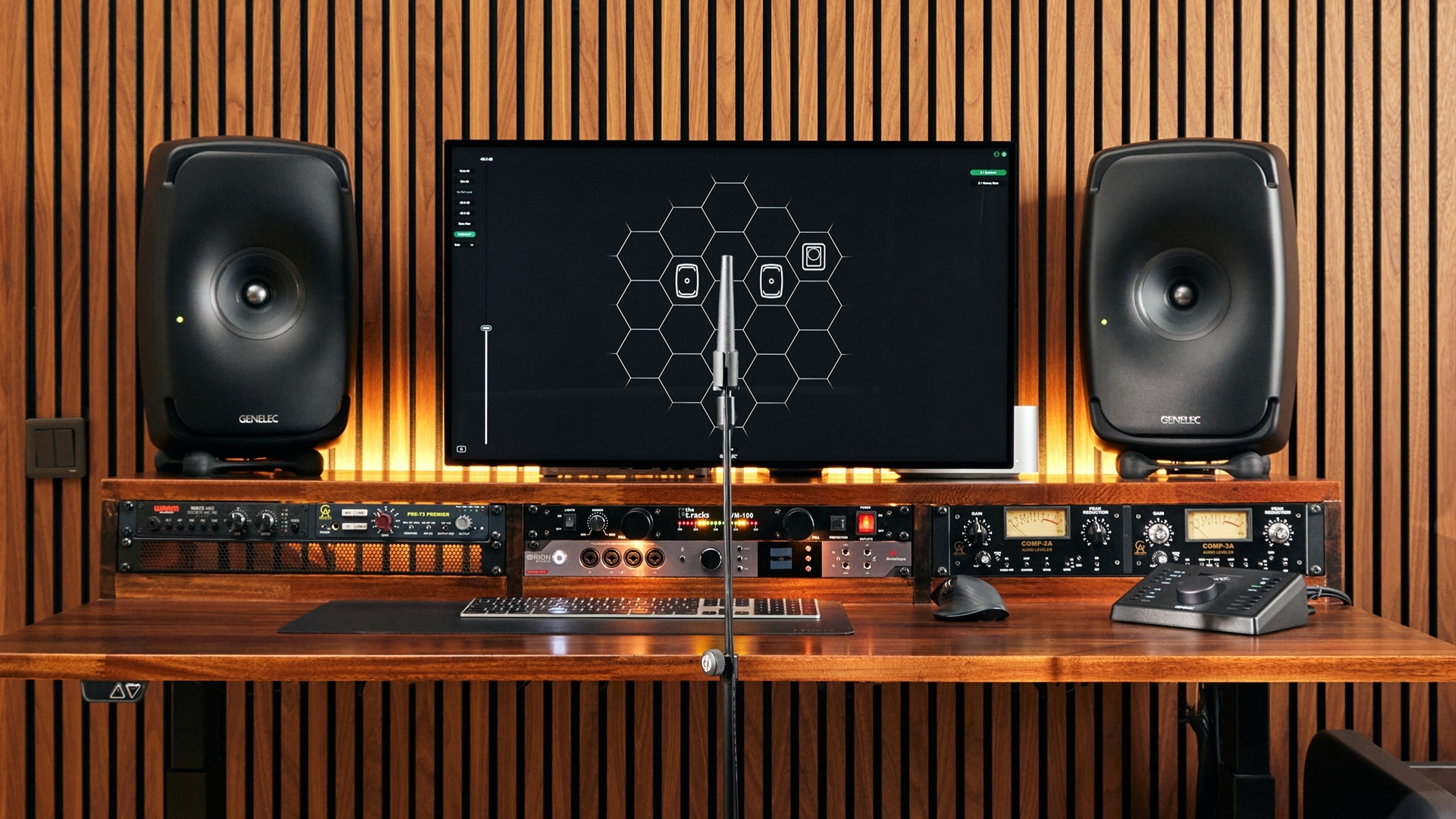

Whether you are mixing a complex, immersive soundtrack for a feature film, outfitting a broadcast OB van, or upgrading a dedicated content-creation space, the quality of your audio depends entirely on what you can hear.
In the fast-paced media landscape of the GCC, professional studio monitors are the critical lens through which all audio decisions are made. Choosing the right monitors goes far beyond looking at technical specifications; it requires a deep understanding of your room acoustics, workflow demands, and specific application.
Here is a comprehensive guide to evaluating and selecting the right monitors for your facility.
Why Professional Studio Monitors Matter
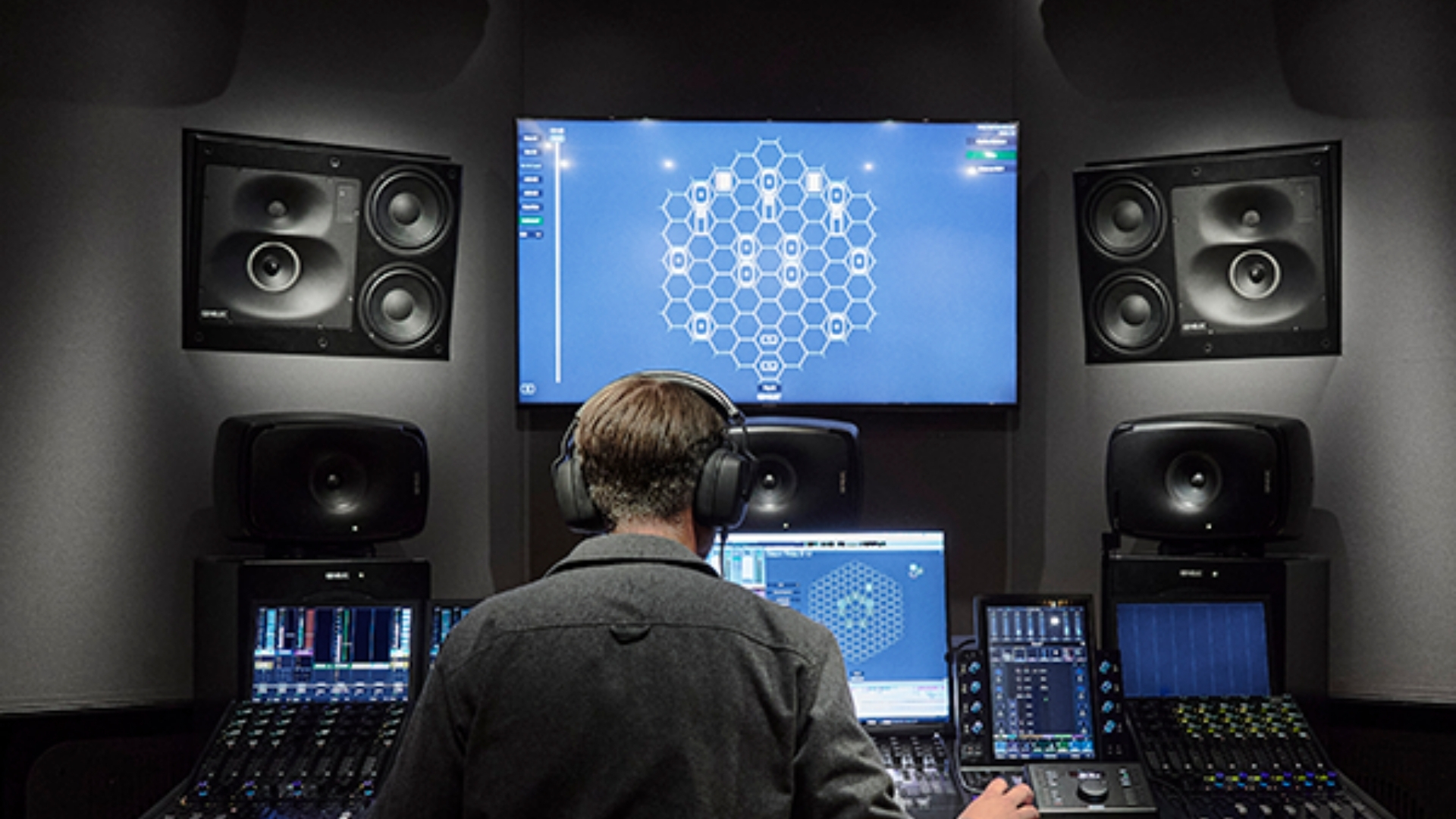
The fundamental goal of a studio monitor is accurate “translation,” the assurance that a mix will sound exactly as intended across all consumer playback systems, from high-end home theaters to standard smartphone speakers.
Unlike hi-fi consumer speakers, which are designed to flatter audio by boosting bass and sweetening highs, professional studio monitors are built to reveal the uncolored truth. In high-stakes environments like broadcast and post-production, engineers cannot afford to guess if a vocal is properly balanced or if the low-end is overpowering. Inferior monitors with uneven frequency responses force engineers to apply corrective EQ simply to compensate for the speaker’s own flaws. A transparent monitoring setup ensures that audio professionals can work quickly, confidently, and efficiently.
Nearfield vs Midfield vs Larger Monitoring Setups
Selecting the right monitor size depends heavily on your room dimensions and typical listening distance.
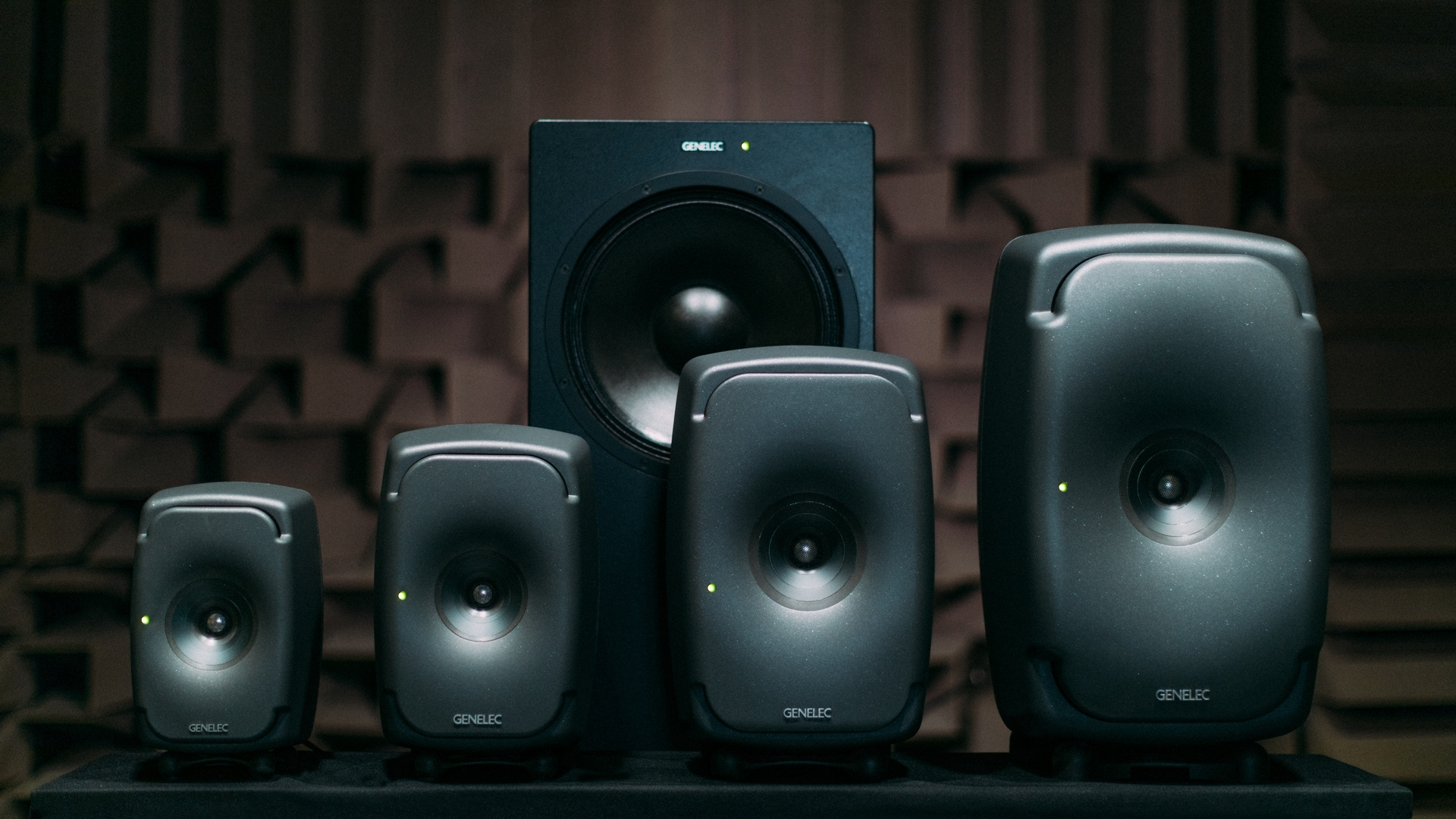
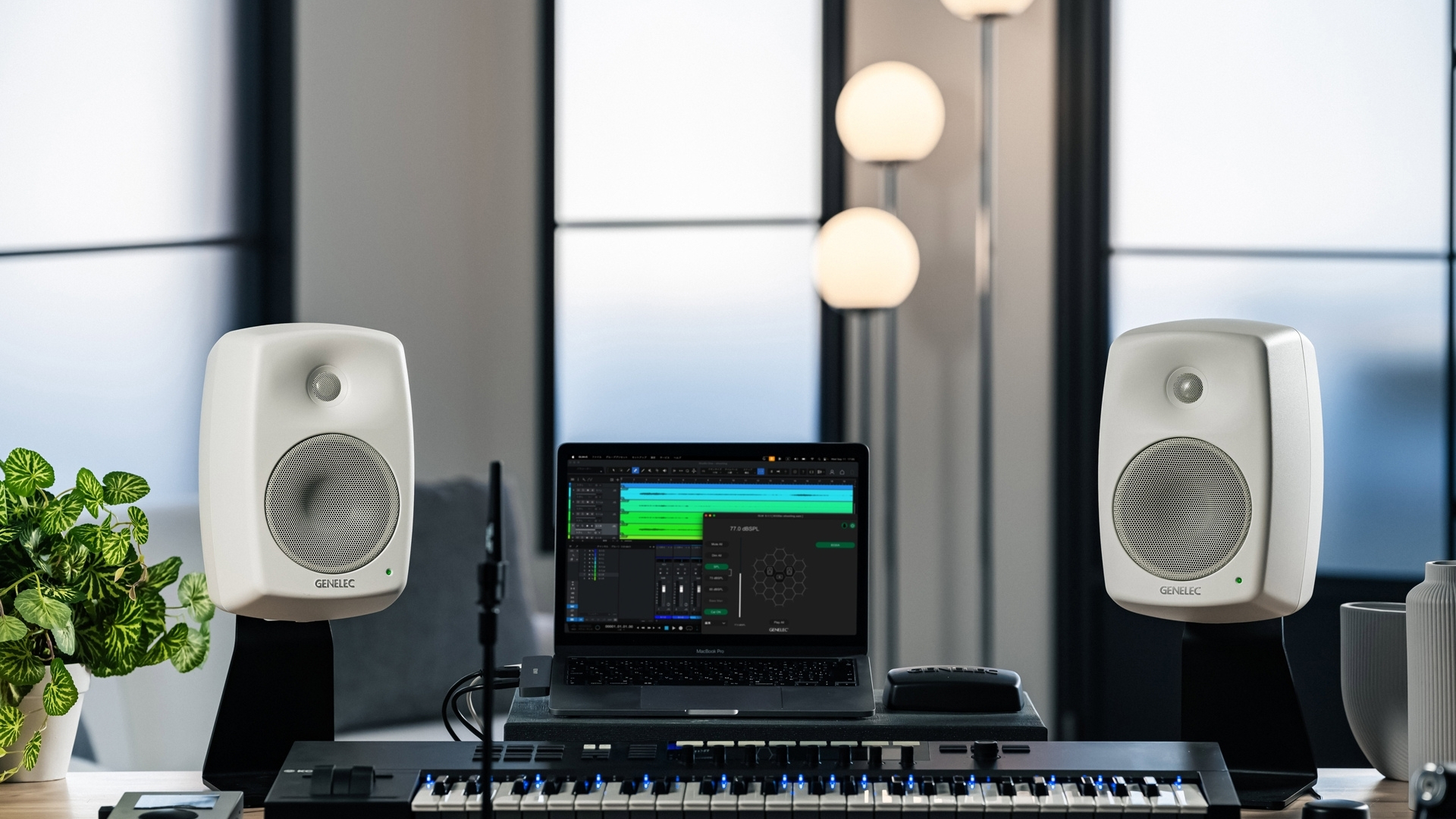
- Nearfield monitors: Designed to be placed relatively close to the listener (typically 1 to 1.5 meters away), nearfield monitors ensure the engineer hears the direct sound from the speakers before room reflections can interfere. They are ideal studio monitors for content creation and small broadcast editing suites.
- Midfield and Main monitors: These larger systems are built for bigger rooms and longer listening distances. They provide much higher Sound Pressure Levels (SPL) and extended low-frequency reproduction, making them essential for larger film dubbing stages and premium recording studios.
The driver configuration also matters. Traditional two-way monitors split the signal between a tweeter and a woofer. However, three-way monitors dedicate a separate driver entirely to the critical midrange frequencies, moving crossover anomalies away from the all-important vocal range and allowing for greater clarity.
The Importance of Room Size, Acoustics, and Placement
Even the most expensive monitors for production studios will perform poorly if improperly placed in an untreated room. The physical boundaries of your room dictate how sound waves behave.
- The Equilateral Triangle: For accurate stereo imaging, the two monitors and the listener’s head must form an equilateral triangle, with the speakers angled 30 degrees inward.
- Acoustic Axis: The monitor’s acoustic axis (the point where the drivers sum correctly) should always be pointed directly at ear height.
- Boundary Effects: Placing a monitor close to a solid wall limits its radiation space, artificially boosting bass frequencies by up to 6 dB per boundary. Conversely, placing monitors at specific distances from the back wall can cause “Speaker Boundary Interference Response” (SBIR), in which low-frequency reflections bounce back out of phase, producing deep, unfixable cancellation notches in the bass response. Placing monitors very close to the front wall (under 60cm) often pushes these cancellation notches up into higher frequencies, where the speaker is more directional, mitigating the problem.
Why Calibration and Room Alignment Matter
Because every room imparts its own acoustic signature, such as low-frequency standing waves (room modes) or harsh early reflections, calibration is essential. Proper monitor calibration aligns the frequency response, levels, and “time of flight” (delay) of each speaker in the room. If monitors are placed at unequal distances from the engineer without delay compensation, the timing and level panning will be skewed, completely ruining the stereo or surround image. Today, advanced DSP (Digital Signal Processing) allows monitors to effectively “listen” to the room and apply precision filters to tame resonant bass peaks and correct timing discrepancies, resulting in a flat, trustworthy frequency response.
What to Look for When Choosing Professional Studio Monitors
When evaluating new monitoring systems, technical buyers and system integrators should focus on several key criteria:
- Accuracy and Directivity: Look for monitors with controlled directivity. This ensures a wide “sweet spot” and prevents off-axis sound from severely coloring the room’s reflections.
- SPL and Headroom: Ensure the monitor can deliver the required Sound Pressure Level for your specific listening distance without thermal compression or distortion.
- Connectivity (AoIP): Modern broadcast audio monitoring is rapidly shifting toward Audio-over-IP. Look for monitors that natively support IP networks (such as SMPTE ST 2110 and AES67) to maximize interoperability and simplify cabling.
- Scalability for Immersive: With the rise of Dolby Atmos and OTT broadcasting, studios need systems that easily scale from stereo to 7.1.4 and beyond. Your chosen monitors must integrate seamlessly into complex, multi-channel configurations.
Differing Needs Across the Media Landscape
- Broadcast and OB Vans: Space is a premium. Broadcast engineers require highly compact, reliable monitors that can deliver high SPLs in tight, acoustically challenging environments.
- Post-Production: Film and television mixers need absolute consistency across multiple rooms. They often require midfield or main monitors paired with subwoofers capable of reproducing extreme low-frequency effects (LFE).
- Content Creators: For smaller creator studios, compact nearfield monitors paired with intelligent room-correction software offer the best return on investment, compensating for the lack of architectural acoustic treatment.
Common Mistakes to Avoid
- Buying oversized speakers for small rooms: Placing massive monitors in a small, untreated space will trigger overwhelming room modes, resulting in muddy, uncontrollable bass.
- Placing 2-way vertical monitors horizontally: Unless specifically designed for horizontal use, laying a standard 2-way monitor on its side alters the distance between your ears and the tweeter/woofer as you move your head horizontally. This introduces severe phase issues and comb filtering right at the crossover frequency.
- Trying to EQ out acoustic cancellations: While EQ calibration can easily reduce bass peaks caused by room modes, you cannot use EQ to boost a cancellation notch (dip) caused by wall reflections. Boosting the notch simply boosts the out-of-phase reflection equally, eating up amplifier headroom without fixing the sound.
Where Genelec Fits in the Category
Within the professional monitoring category, Genelec is often considered for broadcast, production, and content creation environments.
Part of that comes from its reputation in critical listening applications, but also from the broader ecosystem around calibration, room alignment, and scalable monitoring. For buyers who need accuracy, consistency, and long-term flexibility, that makes Genelec is a relevant option to evaluate.
In smaller editing suites, creator studios, or compact production rooms, a calibrated nearfield setup can often be the right starting point. In more demanding broadcast, post-production, or high-precision mixing environments, models from Genelec’s The Ones range are often considered for their imaging accuracy and controlled performance, particularly where listening detail and room integration matter.
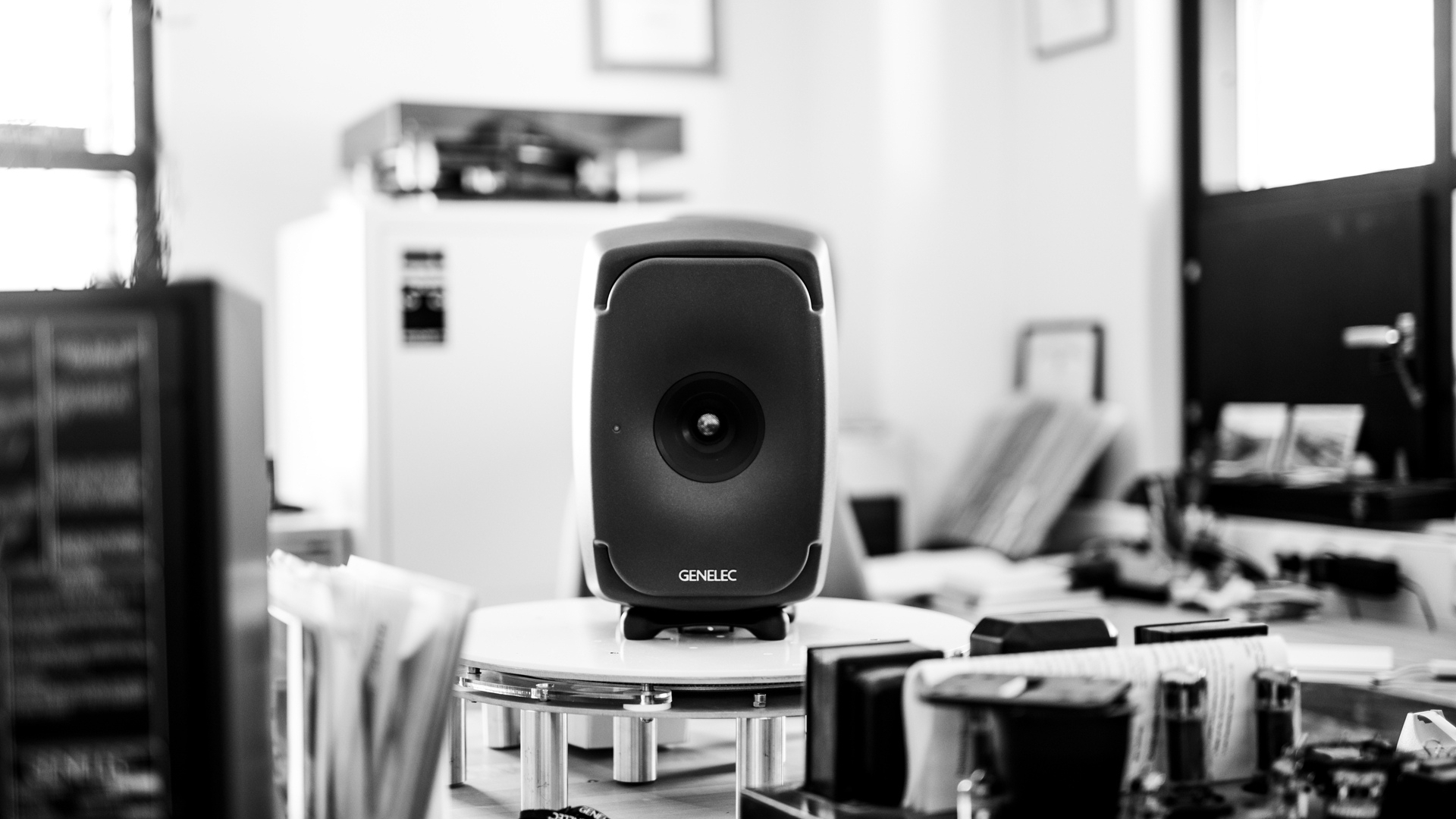
Genelec’s SAM platform and GLM software also make the brand especially relevant in conversations around room calibration and system alignment. For facilities that want monitoring performance to remain consistent across different spaces, that added control can be a meaningful advantage.
The key point is not to start with the model, but with the application. Once the room size, workflow, and monitoring goals are clear, specific Genelec solutions can be evaluated in a much more practical way.
Why the Right Partner Matters
Selecting the perfect monitors is only half the battle; integrating them correctly into your facility is equally important. Working with an experienced regional distributor like GSL Professional ensures that GCC-based buyers receive tailored advice based on their specific room dimensions, workflow, and budget. From acoustic consultation and predictive modeling to on-site calibration and robust after-sales support, the right partner guarantees that your investment performs exactly as intended.
Conclusion
Choosing the right professional studio monitors is not just about brand, size, or specifications. It is about building a monitoring environment that supports accurate decisions, reliable translation, and confident workflows.
For broadcast, production, and content creation spaces, the best results come from looking at the full picture: room size, placement, calibration, listening distance, connectivity, and long-term scalability.
With the right monitoring approach and project support, studios and production teams can build environments that are more accurate, more dependable, and better suited to professional work, whether evaluating Genelec or other professional monitoring solutions.
Looking for the right monitoring solution for your space? Contact GSL Professional to explore professional audio solutions tailored to your room, workflow, and application.