




A practical guide for AV integrators and technical buyers in the GCC.
You’ve seen it before: a meeting room with impressive displays and polished design, yet remote participants struggle to hear clearly, and in-room users are unsure how to start the meeting. What looks seamless in theory often becomes frustrating in daily use. This is usually not caused by one bad product. It happens when the room’s audio, control, and user workflows are not properly matched to the space.
If you are specifying meeting room technology in the GCC, whether for a 4-seat huddle room in Dubai or a larger boardroom, the right solution is not always the most complex one. In many cases, simplicity wins. In others, a more advanced audio and control platform becomes essential. Here is how to think about it properly.
Start with the Room, Not the Product
One of the most common mistakes in meeting room design is choosing the solution before fully understanding the room. A 4- to 8-seater meeting room used mainly for Teams or Zoom calls has very different requirements from a medium-sized boardroom with multiple participants, ceiling microphones, external speakers, and more demanding control needs.
In compact collaboration rooms, many end users prefer a simple video bar solution. It is easier to deploy, easier to operate, and often more cost-effective. When the room is small, the acoustics are manageable, and the use case is straightforward, a video bar may be all that is needed.
As rooms become larger or more complex, however, the design requirements change. Microphone coverage becomes more critical. Speech intelligibility becomes harder to maintain. Control expectations increase. This is where dedicated DSP and control solutions begin to add real value.

When a Video Bar Is Enough
For many 4- to 8-seater rooms and typical video bar installations, clients usually do not prefer a separate DSP solution. In these rooms, users typically expect:
- Minimal hardware
- Simple USB or appliance-based connectivity
- Fast meeting start-up
- Lower system cost
- Less complexity for the IT and AV teams
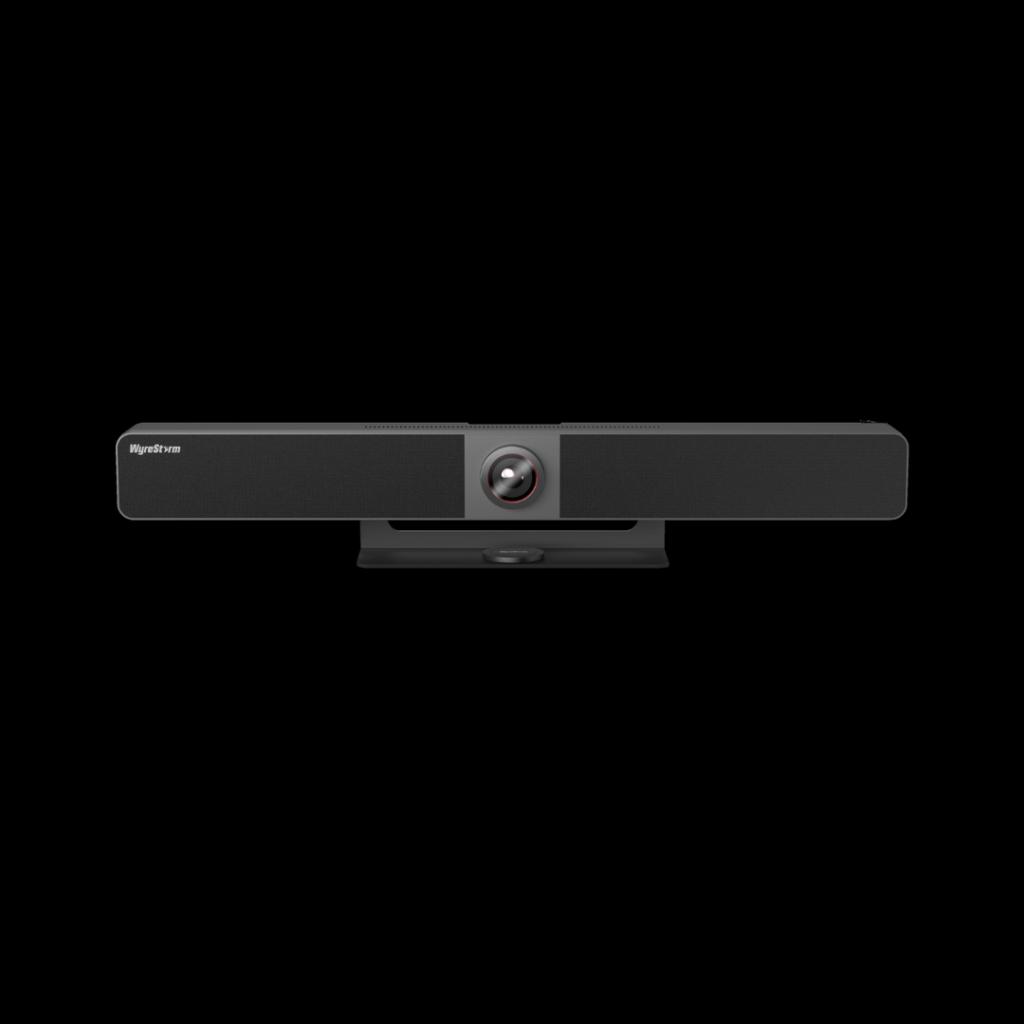
When the room is small and the system design is straightforward, a high-quality video bar can often provide adequate pickup, playback, and camera functionality in a single device. For small- to medium-sized meeting rooms where simplicity, quick deployment, and an integrated user experience are priorities, a WyreStorm video bar can also be a relevant option. In these spaces, adding a standalone DSP often does not justify the extra cost, programming time, or system complexity, since a high-quality video bar typically delivers sufficient performance. The key is not to over-engineer the room.
When Dedicated DSP and Control Make Sense
As soon as the room moves beyond a basic huddle room or 8-seater format, the conversation changes. A dedicated DSP and control solution becomes worth evaluating when the room includes factors such as:
- Multiple microphones
- Ceiling microphone arrays
- Separate ceiling or wall-mounted speakers
- Longer table layouts
- Divisible spaces
- Acoustic challenges caused by glass, stone, or reflective finishes
- The need for custom control interfaces
- Integration with other AV systems
- Requirements for future expansion or standardization across multiple rooms
In these cases, built-in processing from all-in-one devices may not be enough. A properly specified DSP can improve audio management through acoustic echo cancellation, routing, level control, mixing, and equalization, thereby tailoring performance to the room. Just as importantly, a dedicated control layer can make the room easier to use by presenting only the functions the client actually needs.
The Real Problem Is Often Usability
In many meeting room projects, audio quality receives attention during design, but usability is often overlooked. A room can contain capable hardware and still fail in practice if the user interface is confusing. Corporate users prefer not to worry about signal flow, source routing, or DSP logic. They simply want to enter the meeting room, start the meeting efficiently, adjust the volume as necessary, and proceed with their agenda. Because of this, a clean interface holds more practical value than a lengthy feature list. If the room only uses one conferencing platform, the interface should reflect that. If source selection is rarely needed, it should not dominate the screen. If the client’s staff need only a few actions, those actions should be obvious. Easier rooms are adopted more readily by users.

What to Actually Evaluate
When comparing solutions for small to medium meeting rooms, these are the practical questions that matter most:
1. Match the solution to the room type
Do not specify a large enterprise-grade system for a simple, small, or medium meeting room just because it is part of a preferred brand ecosystem. At the same time, do not under-specify a medium meeting room that clearly needs more flexible processing and control. The room should determine the system, not the other way around.
2. Understand the meeting workflow
Will the room be used mainly for Teams or Zoom? Is it BYOD? Is it appliance-based? Will users connect laptops? Will the client want a one-touch operation? The technology decision should align with the client’s real workflow.
3. Consider the acoustic environment
Many premium office spaces across the GCC use glass partitions, polished tables, hard floors, and minimalist finishes. These can create issues with reflection and intelligibility, especially in larger rooms. In small rooms, the impact may be manageable. In medium rooms, these conditions can make dedicated processing much more important.
4. Evaluate I/O and expansion needs
If the room may grow in complexity, or if the client is standardizing across multiple rooms, scalability matters. A platform that supports additional inputs and outputs, networked audio, or future integration can reduce the need for redesign later.
5. Review the control experience
Do not evaluate control only by asking whether the system can do something. Ask whether the end user can understand it immediately. A streamlined, user-friendly interface can reduce meeting delays, support calls, and user frustration.
6. Involve IT early
This is especially important in larger corporate deployments. USB connectivity, conferencing platforms, network policies, VLAN requirements, and security settings all need to be considered early, particularly in enterprise environments across the GCC.
Common Mistakes to Avoid
A few errors repeatedly create problems in meeting room projects:
Over-engineering small rooms
Not every room needs a DSP, a custom control processor, and a complex interface. In many 4-person rooms, a video bar is the better option.
Under-designing medium rooms
At the other end, using a basic all-in-one device in a room that really needs distributed microphones, better coverage, or greater control flexibility can lead to poor performance and unhappy users.
Ignoring the client’s actual usage
The best technical design still fails if it does not align with how the room will be used day-to-day.
Treating control as an afterthought
Complicated interfaces reduce adoption. Simple, task-focused control improves it.
Failing to plan for future changes
Many clients expand, reconfigure, or standardize rooms over time. Choosing a solution with no flexibility can create unnecessary costs later.
Where Symetrix Fits
Symetrix is not necessarily the default solution for every small meeting room, especially where a straightforward video bar setup is more practical. It becomes more relevant in medium- to more-demanding spaces where the project requires greater flexibility in audio processing, control, and system design.
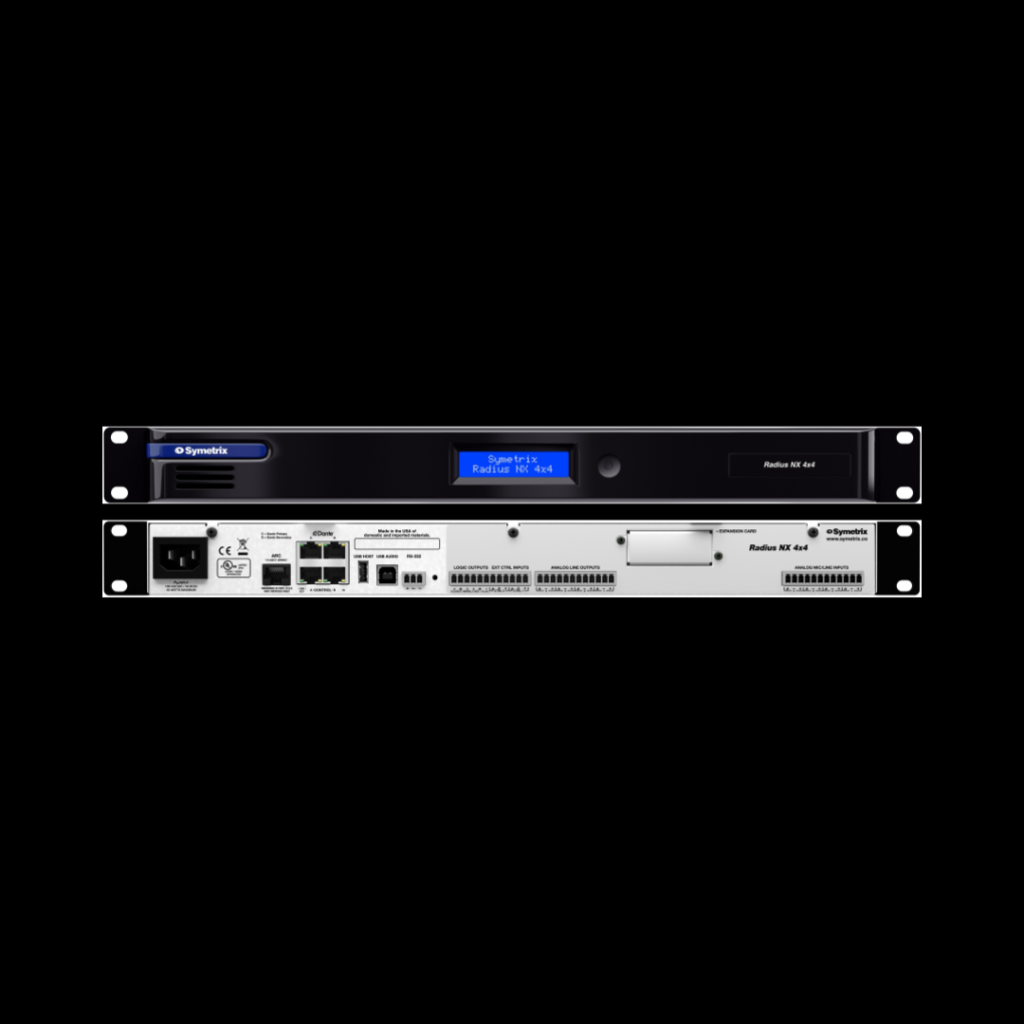
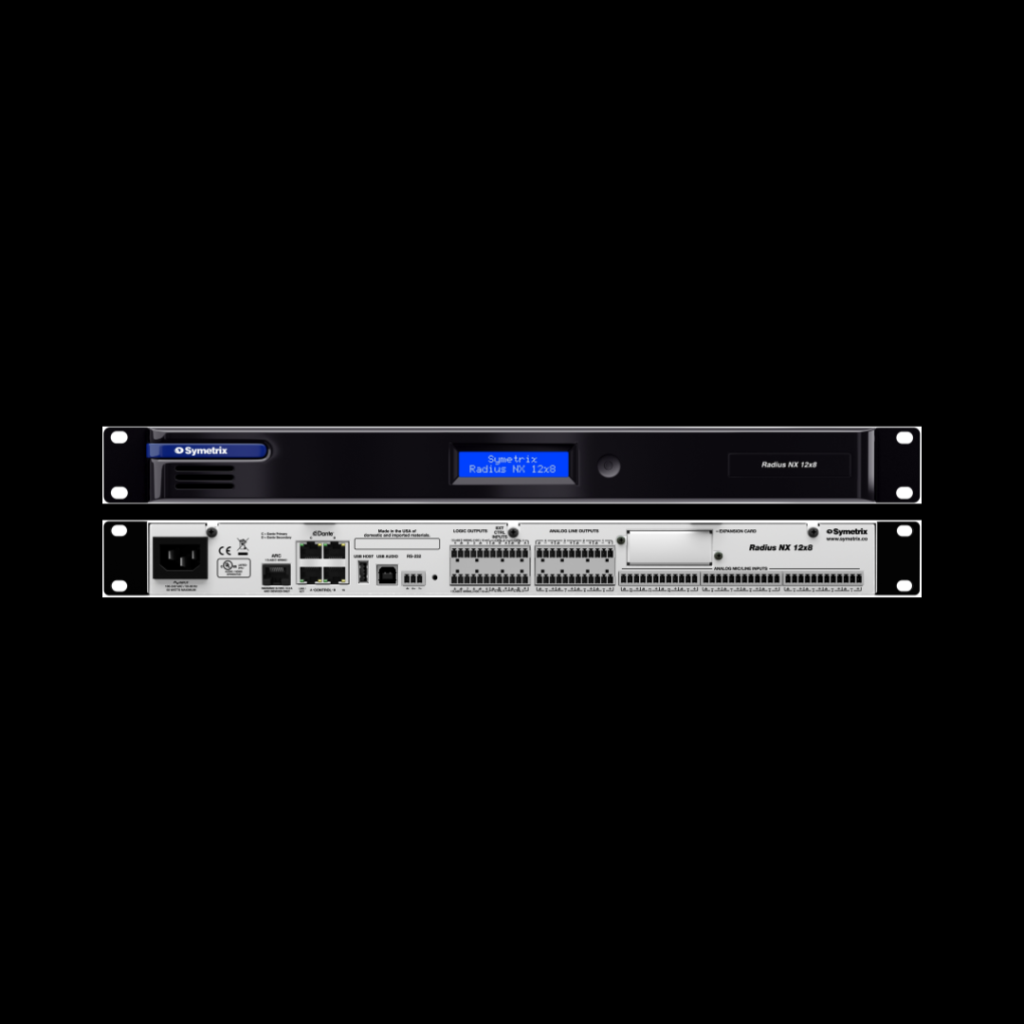
Its ecosystem can support applications where tailored DSP, customized control, and room-to-room consistency are important. For integrators, that can be valuable when working on projects that need more than a basic all-in-one conferencing device. In rooms with multiple audio endpoints, custom control requirements, or broader enterprise design standards, platforms like Symetrix may offer the flexibility needed to build a more refined and scalable solution.
Why the Right Regional Partner Still Matters
Even with the right system design, successful project delivery depends heavily on execution. That includes product availability, technical guidance, pre-sales input, system support, and after-sales coordination. In the GCC, where project timelines can be tight and client expectations are high, these factors matter just as much as the hardware itself.
GSL Professional supports the region as a value-added distributor, helping partners not only with access to solutions but also with technical and commercial support throughout the project cycle. For integrators and technical buyers evaluating audio and control solutions in the GCC, having the right regional partner can make specification, deployment, and support much smoother.
The Bottom Line
The best meeting room solution is not always the most advanced one. In many small rooms, a video bar may be the right answer. It keeps the experience simple, cost-effective, and easy for the client to use. As room size, acoustic complexity, microphone count, control requirements, and integration needs increase, dedicated DSP and control solutions become more relevant.
The goal is not to push one approach into every room. The goal is to choose the solution that fits the space, supports the workflow, and delivers a better everyday experience for the user. If you’re planning a meeting room project in the GCC and need support evaluating the right audio and control approach, GSL Professional can provide technical guidance and access to suitable solutions for different room types.